How to Create a Professional Audiobook in One Day
Table of Contents
- Before You Start: The Three Things That Actually Matter
- Phase 1: Setup (30 - 45 Minutes)
- Phase 2: Text Preparation (1 - 3 Hours Depending on Book Length)
- Phase 3: Audio Generation (1 - 4 Hours, Mostly Automated)
- Phase 4: Final Listen and Quality Check (30 - 60 Minutes)
- Phase 5: Export and Submit (30 - 60 Minutes)
- What to Do While You Wait for Approval
- Key Takeaways
- Related Articles
Quick Summary
What determines whether your day produces a finished audiobook or a frustrating half-finished project is almost entirely the state of your manuscript before you start. This guide covers both: what to have ready before you begin, and exactly what to…
A prepared author with a finished manuscript can create a complete, distribution-ready audiobook in a single focused day. Not a rough draft – a finished product ready to upload to Audible, Google Play Books, and Spotify. The process is sequential, the steps are clear, and none of them require audio engineering experience.
What determines whether your day produces a finished audiobook or a frustrating half-finished project is almost entirely the state of your manuscript before you start. This guide covers both: what to have ready before you begin, and exactly what to do once you do.
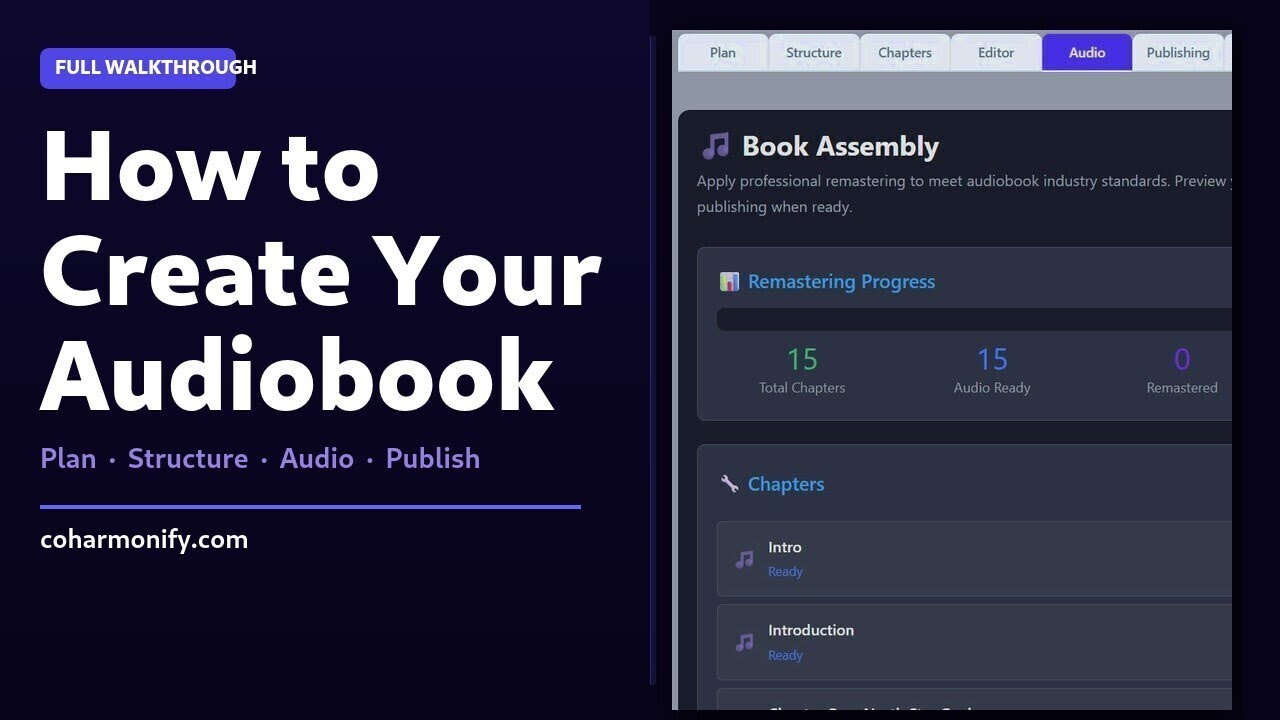
Watch the complete CoHarmonify workflow – from blank project to published audiobook.
Before You Start: The Three Things That Actually Matter
Authors who struggle with one-day production almost always hit the same three problems. Eliminate them before you open the platform.
A proofread manuscript. Not “mostly done.” Proofread. AI narration reads exactly what you give it. A typo becomes a mispronunciation. A missing period becomes a run-on sentence read without pause. A stray formatting symbol becomes an audible artifact. Thirty minutes of final proofreading before you start is worth two hours of corrections after you have generated audio.
A voice you have already tested. The single most common reason one-day productions stretch into multi-day projects is voice regret – generating several chapters of audio, then deciding the voice is not right for the book. Test your shortlisted voices with a passage from your actual manuscript before committing. CoHarmonify’s free audiogram tool does this in minutes. Pick the voice before you start production, not during it.
Your metadata ready. Title, author name, genre, a 200 to 300 word description, and your ISBN if you have one. You will enter this at the start of setup. Having it drafted in advance means setup takes 10 minutes instead of 45.
Phase 1: Setup (30 – 45 Minutes)
Open CoHarmonify’s Audiobook Studio and create your project. Enter your title, author name, genre, and description. Then add each chapter in order – chapter number and title for each.
The system automatically generates an introduction and conclusion based on your metadata. These are starting points, not finished copy. Open each one and customize it. The introduction should tell the listener what the book is about and what they will get from it. The conclusion should thank the listener and give them a specific next step – your next book, your email list, a request for a review.
Customize these two chapters before you touch anything else. They are the listener’s first and last impression of your audiobook, and a generic auto-generated version will feel exactly like what it is.
Phase 2: Text Preparation (1 – 3 Hours Depending on Book Length)
This is the phase that determines audio quality more than anything that happens in production. Work through each chapter before generating any audio.
Paste each chapter’s text into the Editor tab. Run text enhancement – this automated step handles the most common manuscript-to-audio adjustments: adding pauses where headings and list items need them, removing formatting artifacts, flagging words likely to be mispronounced. It is not a substitute for human review, but it catches the mechanical issues reliably.
After enhancement, read through each chapter yourself. Look for:
- Names or terms the AI might mispronounce – edit in phonetic spelling where needed
- Tables, charts, or figures referenced in the text – replace with spoken descriptions
- Sentences that would be breathless if spoken aloud – break them at natural pause points
- Footnotes or endnotes – decide whether to incorporate them, summarize them, or remove them
For a 40,000-word book, preparation takes about 60 to 90 minutes. For a 70,000-word book, plan for 2 to 3 hours. This time is not optional – authors who skip it spend more time correcting audio afterward than they saved upfront.
Phase 3: Audio Generation (1 – 4 Hours, Mostly Automated)
With your chapters prepared, audio generation is largely hands-off. Trigger generation chapter by chapter or use batch generation for the full book.
For a first-time production, chapter-by-chapter with spot review as you go is the better approach. It lets you catch any systematic problem – a name that is consistently mispronounced, a formatting pattern that created a recurring artifact – and fix it before you have generated eight hours of audio with the same error throughout.
How to spot-check efficiently: You do not need to listen to the entire chapter. Listen to the first 60 seconds (where cold-start pronunciation issues appear), the last 60 seconds (where pacing problems surface), and one 2-minute sample from somewhere in the middle. If those three points are clean, the chapter is almost certainly fine. Move on.
When you find an error, fix it in the text and regenerate that section only – you do not need to regenerate the whole chapter. Spot fixes take 2 to 5 minutes each.
A 6-hour audiobook generates in roughly 60 to 90 minutes of automated processing, with another 60 to 90 minutes of spot review. A 10-hour audiobook takes proportionally longer – plan for 2 to 3 hours of generation plus 2 hours of review.
Phase 4: Final Listen and Quality Check (30 – 60 Minutes)
Before exporting, do one final pass that is different from the chapter-by-chapter review. You are not checking individual chapters now – you are checking the audiobook as a whole.
Listen to the transition between your last chapter and your conclusion. Does the conclusion feel like a natural ending or an abrupt stop? Listen to your introduction all the way through. Does it set up the right expectations for what follows?
Then pick three chapters at random – not chapters you have already reviewed carefully, chapters you have paid least attention to – and spot-check them. If they are clean, you are done with review.
If you find a problem at this stage, fix it. Do not rationalize leaving it. Listeners who encounter a mispronounced name or an audible artifact remember it. One mentioned in a review will live on your book’s page permanently.
Phase 5: Export and Submit (30 – 60 Minutes)
CoHarmonify’s export process generates platform-specific file packages: correctly formatted audio files for ACX (Audible), the ZIP structure Google Play Books requires, and standard MP3 files for all other platforms. Download each package.
Submit to platforms in this order:
- Google Play Books first – approval is 24 to 72 hours and the upload process is straightforward. 70% royalty, no distributor needed.
- ACX (Audible) second – approval takes 7 to 10 business days, so submitting first means you are not waiting any longer than necessary. Choose non-exclusive distribution unless you have a specific reason for exclusivity.
- Findaway Voices third – one upload distributes to Spotify, Apple Books, and 40+ additional platforms.
The day ends here. Your audiobook is submitted. Platform approvals will arrive over the next 1 to 10 business days. Use that time productively: write your launch email, create your audiogram clip, plan your first 30 days of promotion.
What to Do While You Wait for Approval
The platforms are reviewing your files. You cannot speed up that queue, but you can be ready the moment it clears.
Identify the strongest passage in your book – not the first chapter, the moment that made your early readers react. Create an audiogram from it using CoHarmonify’s audiogram tool. This 30 to 60 second clip is your primary social media promotional asset. It shows potential listeners what the voice sounds like and gives them a reason to want more.
Draft your launch email to your existing list. The people who already read your book are your best possible early reviewers. They know the content is good – they just need to know the audio version exists and that you would appreciate a review. Timing this email to go out the day Audible approves your title maximizes early momentum.
Start your one-day audiobook production with CoHarmonify
A real audiogram clip – the kind of short, high-impact excerpt you can create with CoHarmonify to market your audiobook on social media.
A real AI-generated book launch trailer – the cinematic “coming soon” announcements CoHarmonify creates for social media and presale campaigns.
Key Takeaways
- A proofread manuscript and a pre-selected voice are the two things that most determine whether a one-day production actually finishes in one day
- Text preparation – reading through enhanced chapters and fixing mispronunciations, visual-only elements, and awkward sentences – takes 1 to 3 hours and prevents most quality problems
- Spot-check review (first 60 seconds, last 60 seconds, one middle sample per chapter) maintains quality while cutting review time by 60% versus listening to full chapters
- Submit to Google Play first (fastest approval), then ACX, then Findaway – all three on the same day, so approvals arrive in a useful sequence
- Use the platform approval window to prepare your launch email and audiogram so you are ready to promote the moment distribution goes live
Related Articles
- Full step-by-step walkthrough for first-time creators
- Production timelines for every method
- Platform comparison and royalty breakdown
- How to pick and create your promotional audiogram
CoHarmonify is an AI-powered platform for creating and publishing professional audiobooks and podcasts – no recording studio required.
Paste a sentence or two from your book and hear how it sounds as a professional audiobook.
Create your audiobook on CoHarmonify
Record your own voice or use AI narration, then export directly to ACX, Google Play, Spotify, and more - all from one platform.
Try Launch StudioAudiobook StudioCreate Your Own Audiobook
Ready to start your own audiobook project? Our tools make it easy to create professional quality audio with AI voice technology.
Get Started